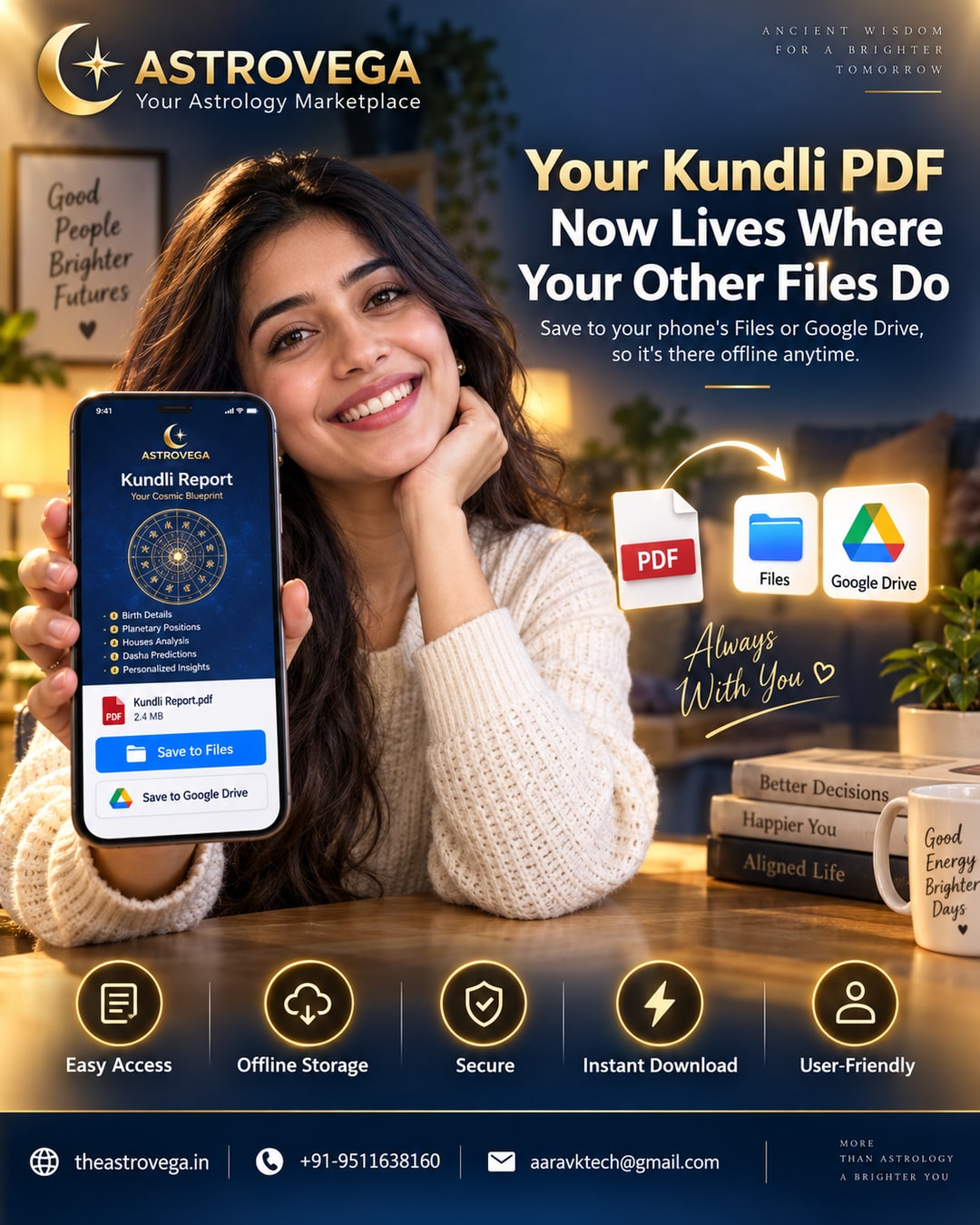
Your kundli report doesn't stay locked inside an app. AstroVega saves it as a PDF straight to your phone's own Files or Drive app for offline access anytime.
Your Kundli PDF Now Lives Where Your Other Files Do Most people generate a kundli once, glance at it, and then struggle to find it again three months later when they actually need it - maybe before a wedding date discussion, or right before an astrology consultation where the astrologer asks for birth chart details. If that report is sitting inside an app you rarely open, it might as well not exist. AstroVega has quietly fixed this with a simple workflow choice: when your kundli report is ready, you can save it as a standard PDF directly into your phone's own Files app, or into Google Drive if that's where you keep everything else. No separate AstroVega login required to view it later. No hunting through app menus. It behaves exactly like any other PDF you'd save from your banking app or a boarding pass - because that's exactly how people expect important documents to work in 2026. Why this small detail actually matters A kundli isn't a one-time-use screen. Families refer back to it for years - before consultations, before matching kundlis for marriage discussions, before naming ceremonies. Keeping it trapped inside one app assumes you'll always have that app installed, always remember your login, and always have signal. AstroVega's approach removes all three assumptions. Offline access, no data, no problem Once the PDF is saved to your device, it opens with zero internet connection. That's genuinely useful for families in areas with patchy connectivity, for elders who keep printed or saved copies of important documents, or for anyone travelling. You generate it once on AstroVega, and from that point on, it's yours - stored the same way as every other important file on your phone. What this means when you sit with an astrologer Many astrology consultations start with the astrologer asking for exact birth chart details. Instead of scrambling to log back into an app and regenerate the report, you simply open the PDF from Files or Drive and share your screen, or forward it directly. It's a small workflow change, but it removes a genuinely annoying friction point that shows up right when you need things to go smoothly. How to do it on AstroVega After entering birth details and generating your kundli on AstroVega, look for the download option on the report screen. Tapping it saves a PDF version straight into your phone's default Files app, or Google Drive if that's your default save location - no extra setup needed. My take: if you've ever lost track of a kundli report, or had to regenerate one right before a consultation because you couldn't remember where it was saved, this is exactly the kind of unglamorous feature that actually saves you time. It's not flashy, but it's the difference between astrology tech that works around how you already use your phone, and astrology tech that expects you to build a new habit around it. AstroVega chose the former, and that's the right call.
🌐 theastrovega.in · 📞 +91-9511638160 · 📧 aaravktech@gmail.com