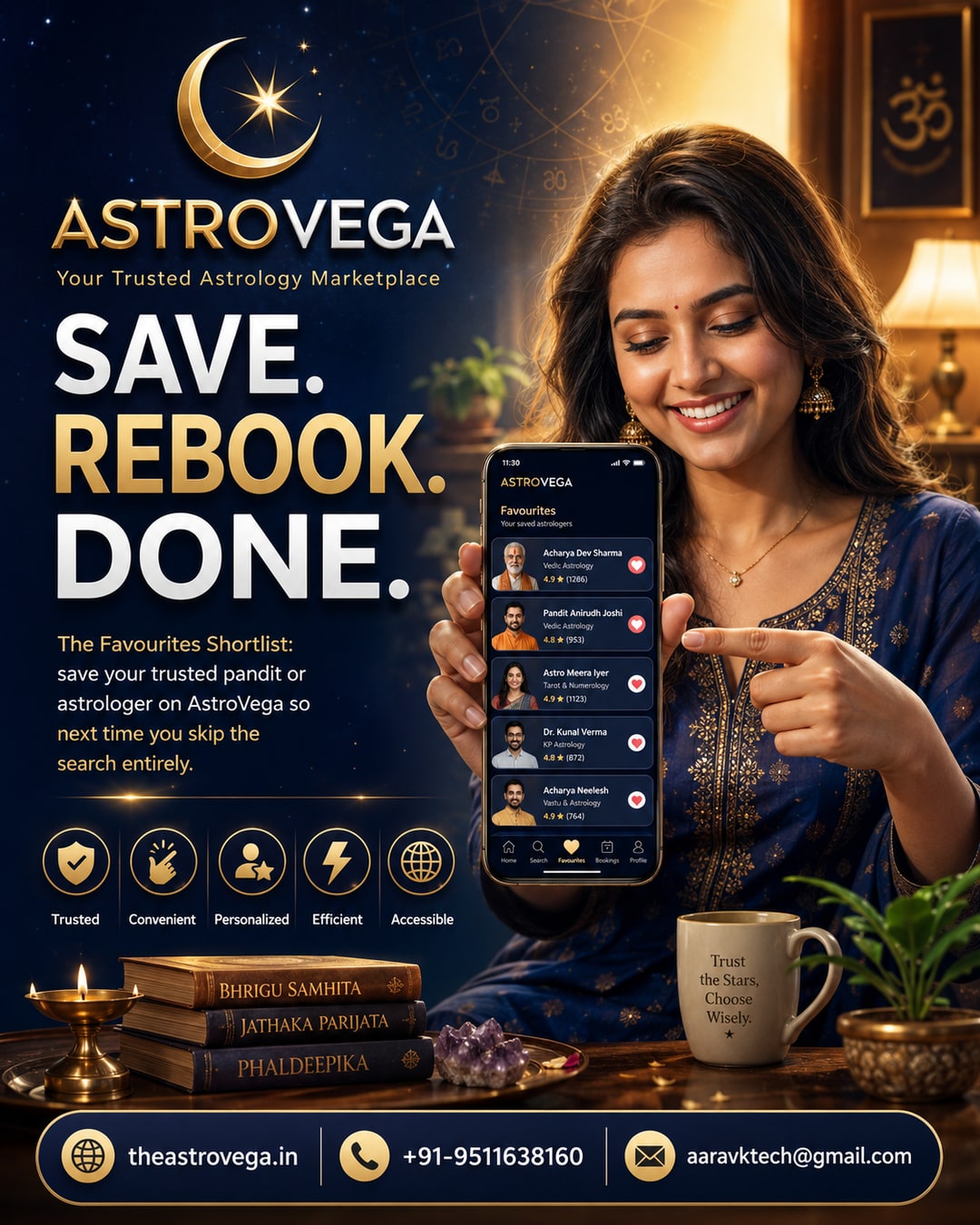
Found an astrologer or pandit you trust on AstroVega? Save them to Favourites and rebook in seconds next time, no re-searching needed.
Why saving your favourite astrologer on AstroVega actually saves you time
If you've ever booked a pandit or astrologer online, you know the drill - you search, compare profiles, read specializations, pick one, book, and hope the consultation goes well. But what happens when you want to consult the same astrologer again in three months? Most people end up scrolling through the same list all over again, trying to remember a name or a profile photo. AstroVega's Favourites feature fixes exactly this problem.
What the Favourites feature actually does
Once you've completed a consultation or booking with an astrologer or pandit on AstroVega, you can tap the heart icon on their profile to save them to your personal Favourites list. This list lives inside your account and is accessible from any device you log into. The next time you need guidance - whether it's a follow-up question, a new puja booking, or simply because you trust their approach - you open Favourites and tap Book Again.
Why this matters more than it seems
Astrology consultations are often personal. Many people prefer sticking with one astrologer over time because that person already understands their birth chart, family context, or ongoing concerns. Re-explaining your situation to a new astrologer every time isn't ideal. A Favourites list removes the friction of rediscovery and makes continuity possible without you having to keep notes on your phone about who you spoke to last time.
How it fits into the bigger AstroVega experience
This feature sits quietly alongside AstroVega's core offerings - kundli generation, pandit booking, puja services, astrology products and books - but it's the kind of detail that makes repeat use smoother. You're not just booking a service once; you're building a relationship with a specific astrologer or pandit over time, and the platform is designed to support that continuity rather than treat every booking as a one-off transaction.
Getting started
If you've already had a consultation on AstroVega, go to that astrologer's profile and tap the heart icon - it takes two seconds. If you haven't booked yet, explore verified astrologer and pandit profiles on AstroVega, find someone whose specialization matches your need, and once you've had a good experience, save them for next time.
My take: if you're someone who consults an astrologer more than once a year - for career questions, family events, or recurring puja needs - this small feature is worth using from day one. It's not flashy, but it's the kind of practical detail that saves you real time down the line. Try it after your next AstroVega booking.
🌐 theastrovega.in · 📞 +91-9511638160 · 📧 aaravktech@gmail.com