A simple AstroVega profile habit that saves you from re-entering birth details every single time you book a kundli or consultation for a family member.
The One AstroVega Habit That Saves Every Family Booking Time
If you've ever booked a kundli or consultation for a parent, spouse or child on AstroVega, you know the drill - open the form, recall their exact birth date, time and place, type it all in, then hope you remembered it correctly. Do that three or four times a year for different family members and it adds up. Here's the simple fix most users don't discover until much later: save each family member's details once, and never type them again.
Why re-entering birth details is more of a problem than it seems Birth time especially is easy to get slightly wrong from memory - a few minutes off can shift a chart's ascendant and house placements. When you're rushing to book a consultation before a work call or a puja before a deadline, typing details from memory increases that risk. Saving verified details once, ideally copied from a birth certificate or hospital record, removes that guesswork for every booking after the first.
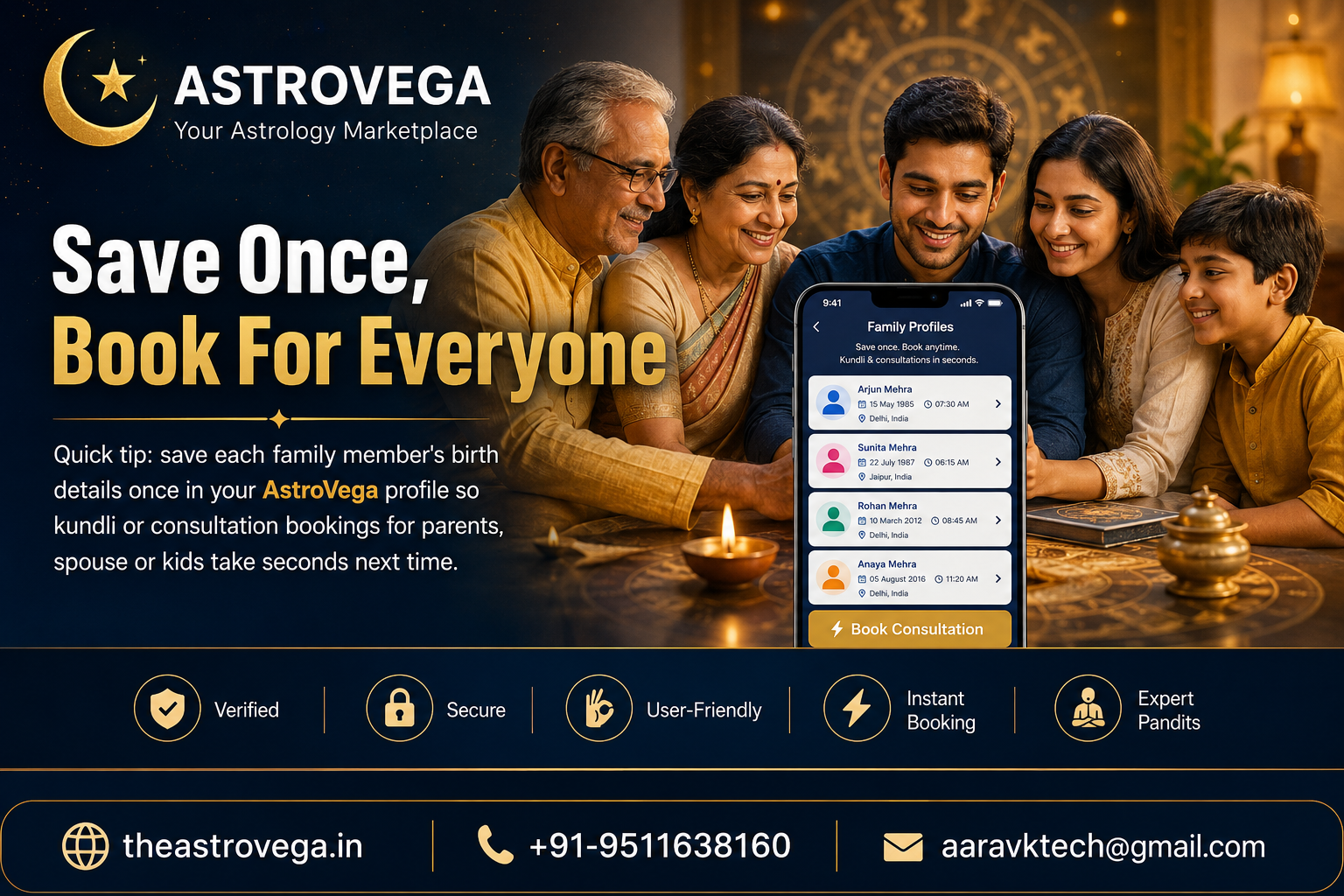
How the AstroVega family profile actually works Inside your AstroVega account, there's a Family Profiles section where you can add a member's name, date of birth, exact time and place once. That entry is then stored securely in your account and shows up as a simple tappable card the next time you're booking a kundli, kundli matching, or an astrologer consultation. Instead of a blank form, you pick a saved name and the details auto-fill.
Who this actually helps the most Parents booking career guidance for a teenager, an adult managing kundli matching conversations for a sibling's upcoming wedding, or someone consulting an astrologer on behalf of an elderly parent who isn't comfortable with apps - all of these are common AstroVega use cases where the same birth details get used repeatedly across different bookings and different points in time.
Setting it up takes a few minutes Go to your AstroVega profile, look for Family Members or Add Profile, and fill in the details for each person once - accurately, ideally from an official record. From that point on, every kundli request, matching enquiry or consultation booking for that person is a couple of taps instead of a form.
My take: if your family books astrology services more than once a year, this five-minute setup pays for itself almost immediately. It's not a flashy feature, but it's the kind of small UX decision that makes a platform feel like it was actually built around how families use it - not just around a single one-time booking. Set up your family profiles once on AstroVega, and let every future booking be the easy part.
🌐 theastrovega.in · 📞 +91-9511638160 · 📧 aaravktech@gmail.com