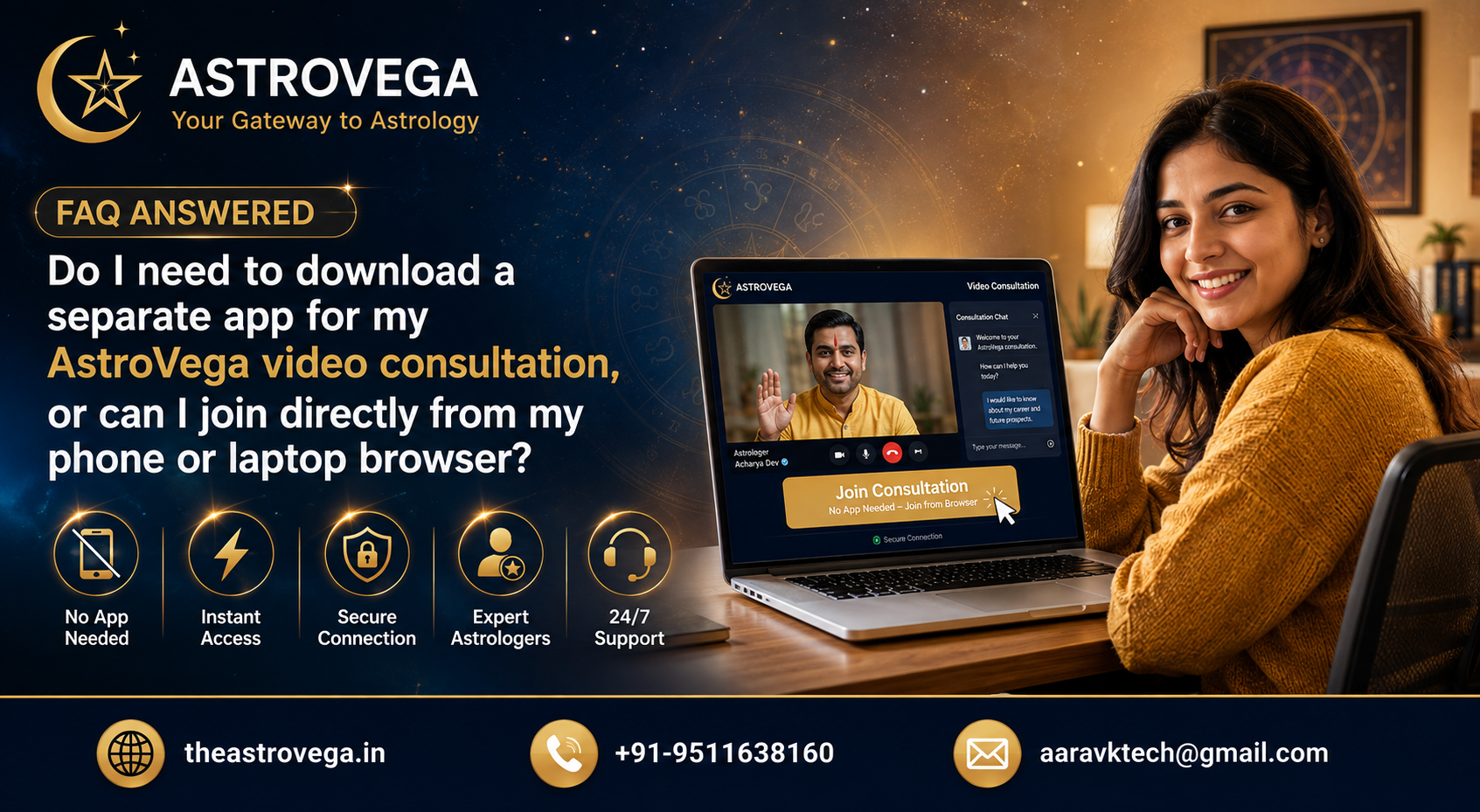
Wondering if you need to install another app before your AstroVega astrology consultation? Here's exactly how joining a video session actually works.
Do You Need to Download an App for Your AstroVega Video Consultation?
If you've ever hesitated before booking an online astrology consultation because you weren't sure what tech hoops you'd have to jump through, you're not alone. It's one of the most common questions we hear, and the honest answer is refreshingly simple: no, you don't need to download anything extra.
How joining actually works Once you book a consultation on AstroVega and it's confirmed by your chosen astrologer, your booking page shows a Join Consultation button that becomes active shortly before your scheduled time. Tap it, and the video session opens directly inside your phone or laptop's existing browser. There's no separate astrology-consultation app to search for, install, update or log into with a new password.
Why this matters more than it seems A lot of people quietly abandon online bookings, not because they doubt the service, but because an unfamiliar app-install step feels like a hassle right before an appointment. For older parents booking a Pandit visit, or a working professional squeezing in a session between meetings, one extra download can be the difference between showing up on time and missing the slot entirely. Keeping the join process inside a browser removes that friction completely.
What you actually need on your side All you really need is a working internet connection and a browser - Chrome, Safari, or whatever's already on your device. No specific operating system requirement, no minimum storage to clear out. If your connection does drop mid-session, AstroVega's reconnect window lets you rejoin the same slot rather than losing your booking, which is a separate but related concern many customers ask about too.
How this fits into the bigger AstroVega experience This browser-first approach isn't a one-off convenience; it reflects how the whole platform is built - Kundli generation, Pandit booking, puja scheduling, consultation booking and the product marketplace are all designed to work from wherever you already are, instead of asking you to manage a separate tool for each piece of your astrology needs.
My take: if you've been putting off booking a consultation because you assumed there'd be some clunky app setup involved, that's genuinely not a reason to wait anymore. Bookmark the confirmation link, keep your browser updated, and you're set. For anyone consulting on behalf of an elderly parent or a less tech-comfortable family member, this browser-only join is honestly the biggest practical reason to pick AstroVega over a call-and-hope-for-the-best arrangement with a local Pandit.
🌐 theastrovega.in · 📞 +91-9511638160 · 📧 aaravktech@gmail.com