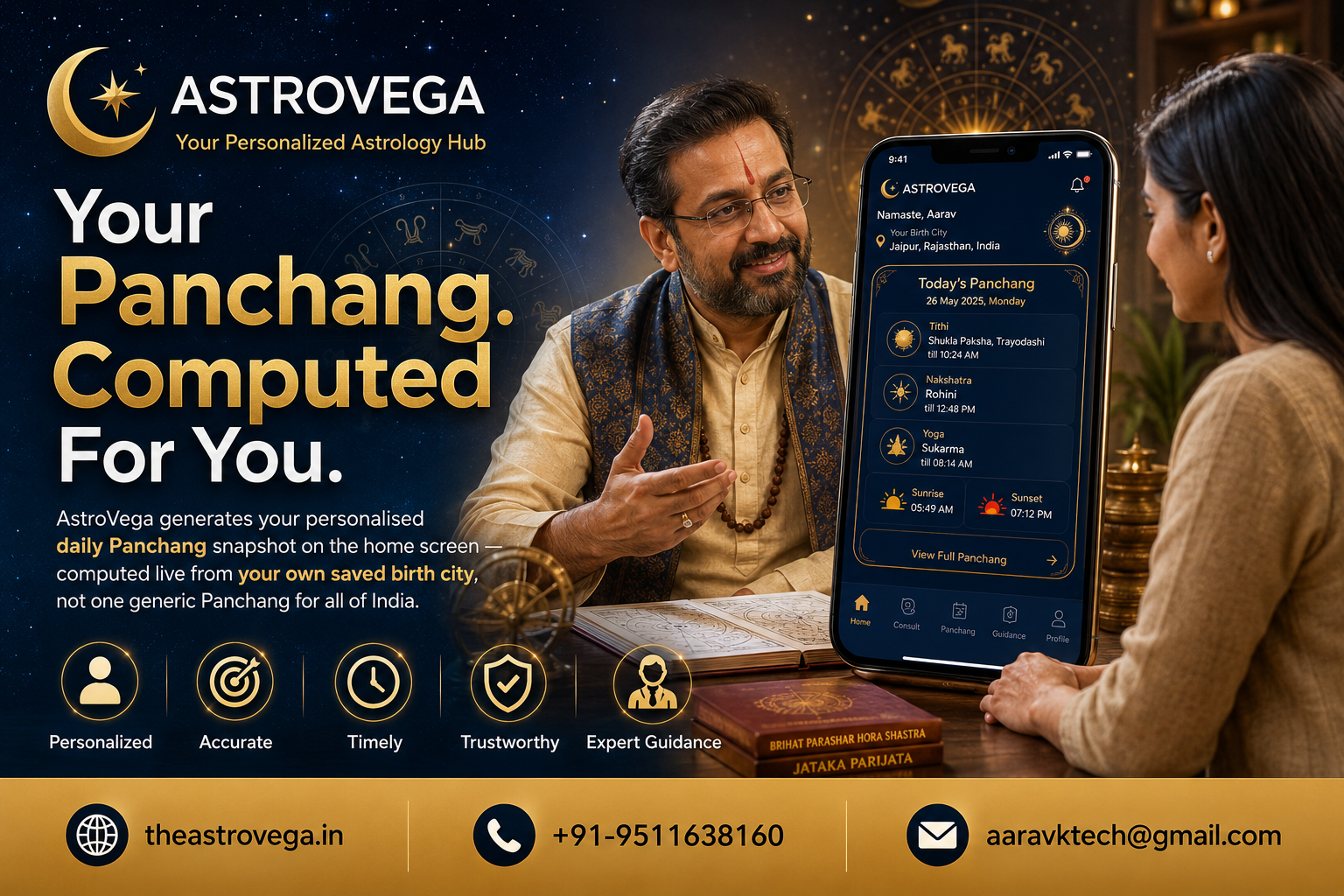
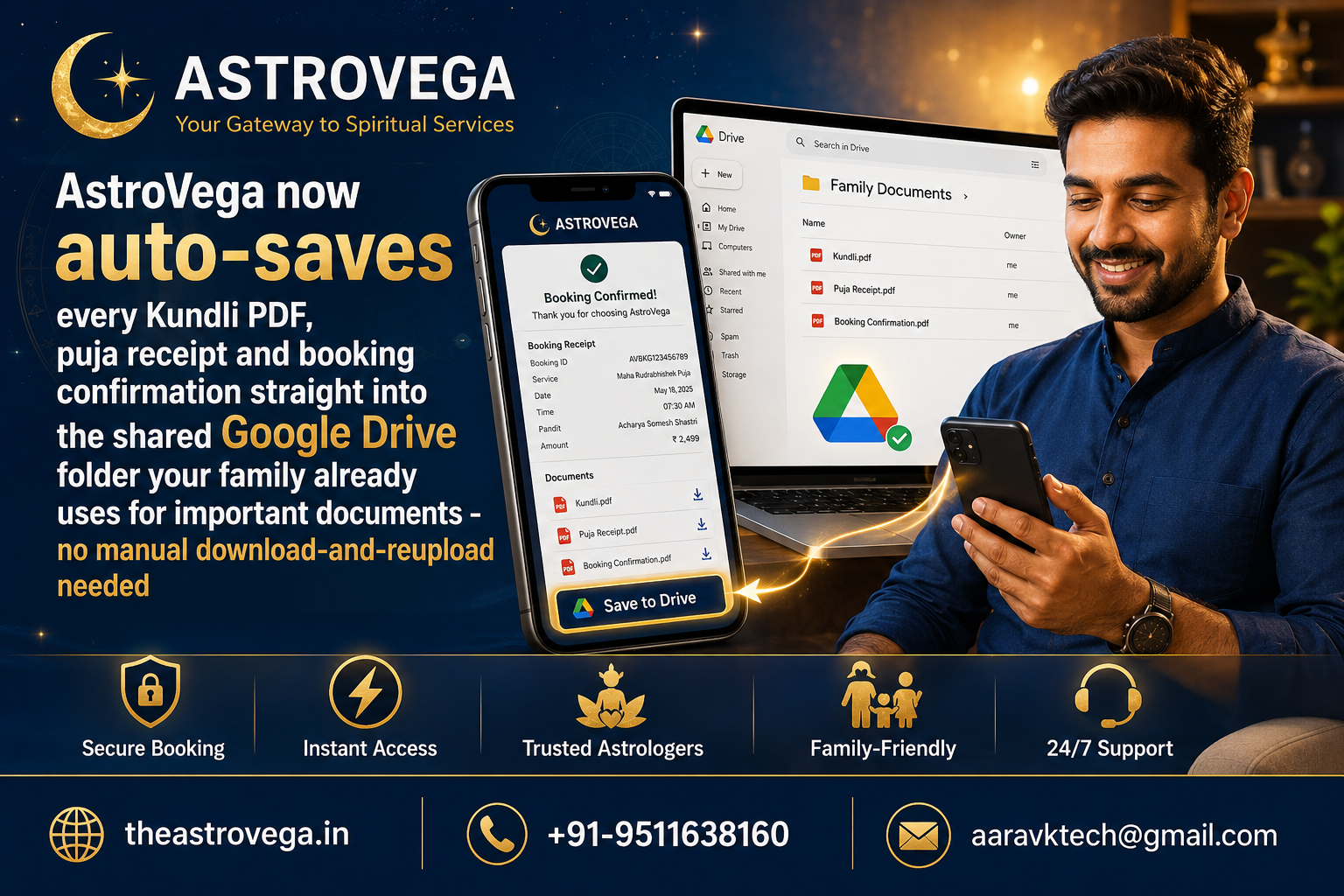
See how AstroVega quietly drops your Kundli PDFs and puja receipts into the same shared Google Drive folder your family already keeps documents in.
Where Does Your Kundli PDF Actually End Up After You Download It?
Most of us have a shared Google Drive folder somewhere - the one with scanned Aadhar cards, school certificates, insurance papers, maybe old ceremony photos from a cousin's wedding. It's the folder every family member can access when someone suddenly needs a document at 11pm before a flight or an appointment. But when you book a puja or generate a Kundli online, the resulting PDF usually lands in your phone's downloads folder instead - disconnected from everything else that actually matters to your family.
AstroVega has quietly fixed this gap.
The problem with scattered documents
A Kundli PDF, a puja booking receipt, a payment confirmation - these aren't throwaway files. Families refer back to Kundlis for years, sometimes decades, especially around marriage discussions. Puja receipts matter for record-keeping, occasionally even for resolving a dispute over what was paid or promised. Yet these documents typically sit alone in one person's phone gallery or email inbox, invisible to the rest of the family until someone remembers to forward them.
How the Drive sync actually works
After a puja booking is confirmed or a Kundli is generated on AstroVega, there's a Save to Drive option right on the confirmation screen. Tap it, and the file drops into whichever Google Drive folder you point it to - typically the same shared family folder already storing everything else important. No separate download step, no manually attaching a file to a WhatsApp message and hoping someone saves it properly.
Why this matters more than it sounds
It's a small mechanical change, but it solves a real problem: documents that matter to a whole family shouldn't live in one person's downloads folder. When a grandparent asks for a grandchild's Kundli years later, or when a family needs to check what a puja receipt actually itemized, it should take seconds to find - not a hunt through old chat threads.
What this doesn't change
To be clear, this is a convenience feature, not a data backup guarantee - keep your own copies too, as you would with any important document. And AstroVega still stores everything on your profile regardless of whether you use the Drive sync.
My take: if your family already runs on a shared Drive folder the way most do, turning this on takes ten seconds and saves you a genuinely annoying habit - forwarding PDFs around a family WhatsApp group hoping someone remembers to save them properly. Worth switching on the first time you book anything on AstroVega.
🌐 theastrovega.in · 📞 +91-9511638160 · 📧 aaravktech@gmail.com