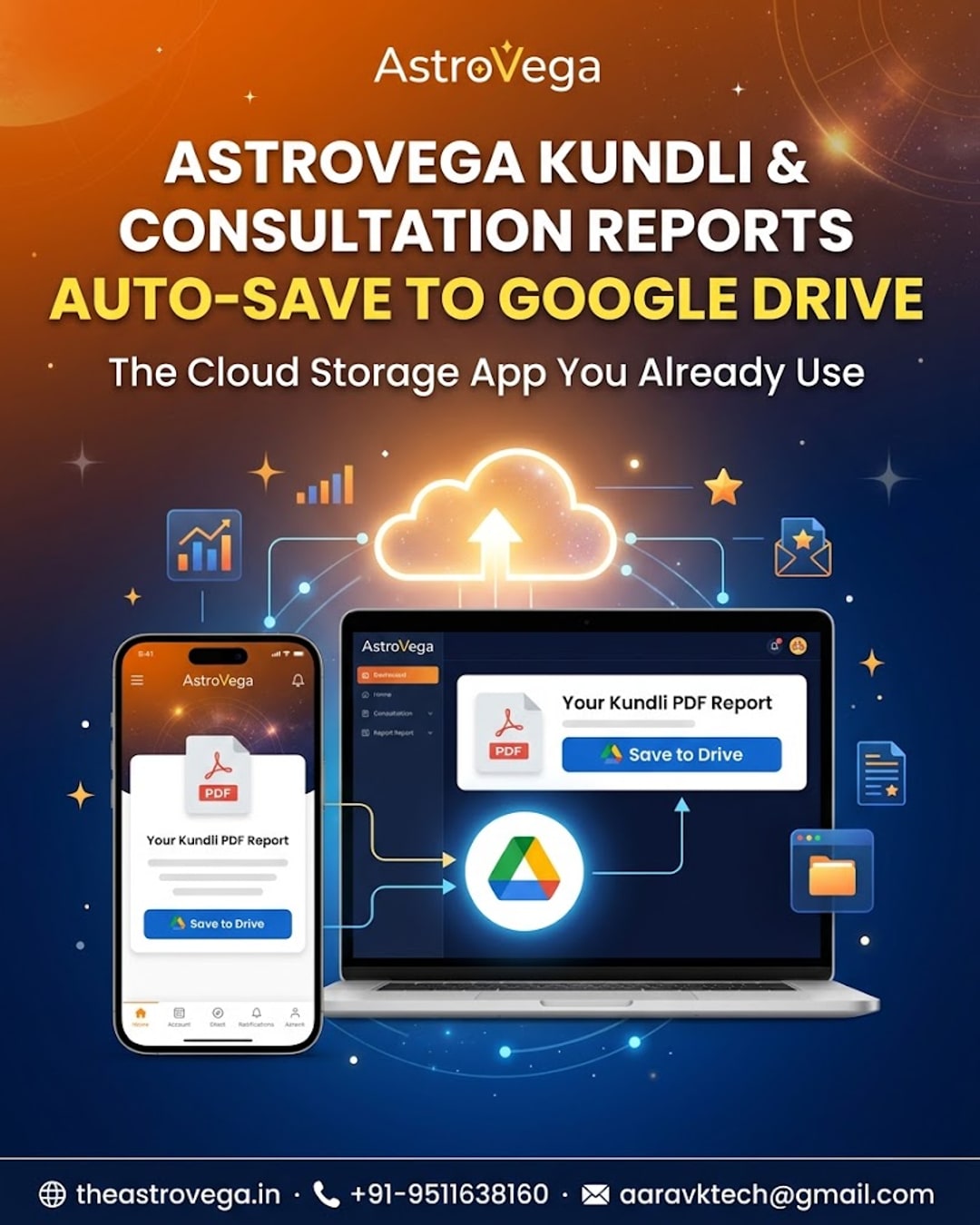
See how AstroVega saves your Kundli PDF and astrologer consultation notes straight into your existing Google Drive folder, so nothing gets lost in chat threads.
Your AstroVega Kundli Report Just Got a Permanent Home in Google Drive
If you have ever booked an astrology consultation and then spent ten minutes scrolling through old chats trying to find the PDF someone sent you, this one is for you. AstroVega now lets you save your Kundli report and consultation notes directly into your Google Drive, so you always know exactly where to find them.
Why a PDF Buried in a Chat Thread Gets Lost Most people receive their kundli or consultation summary as a file sent through some app, and it quietly sinks under weeks of unrelated messages. Six months later, when you need it for a family discussion or a second opinion, it takes longer to find the file than it took to have the original consultation. That is the exact gap this integration closes.
How the Google Drive Save Actually Works Inside your AstroVega account, once your kundli is generated or your consultation is complete, you get a save to Drive option right on the report screen. Tap it, and the file lands in your own Google Drive folder - not a separate AstroVega storage system you have to remember to check. It uses the account you already have open on your phone most of the day.
Consultation Notes Deserve the Same Treatment It is not just the kundli chart. Astrologer consultation notes and summaries can also be saved the same way, so the guidance you received does not fade from memory a few weeks later. Families planning something like an engagement or a puja often want to revisit what was discussed, and having it saved properly makes that easy.
Who This Really Helps This is especially useful for people managing astrology matters for their whole household - parents keeping kundlis for their children, someone coordinating kundli matching across two families, or anyone who simply prefers documents to live in one organised place rather than scattered across apps.
My take: if you are someone who already lives inside Google Drive for tax documents, ID scans, or family photos, this small feature will genuinely save you time. It is not flashy, but it is the kind of detail that makes a platform feel dependable rather than disposable. Explore your Kundli services on AstroVega and see the save option for yourself.
🌐 theastrovega.in · 📞 +91-9511638160 · 📧 aaravktech@gmail.com