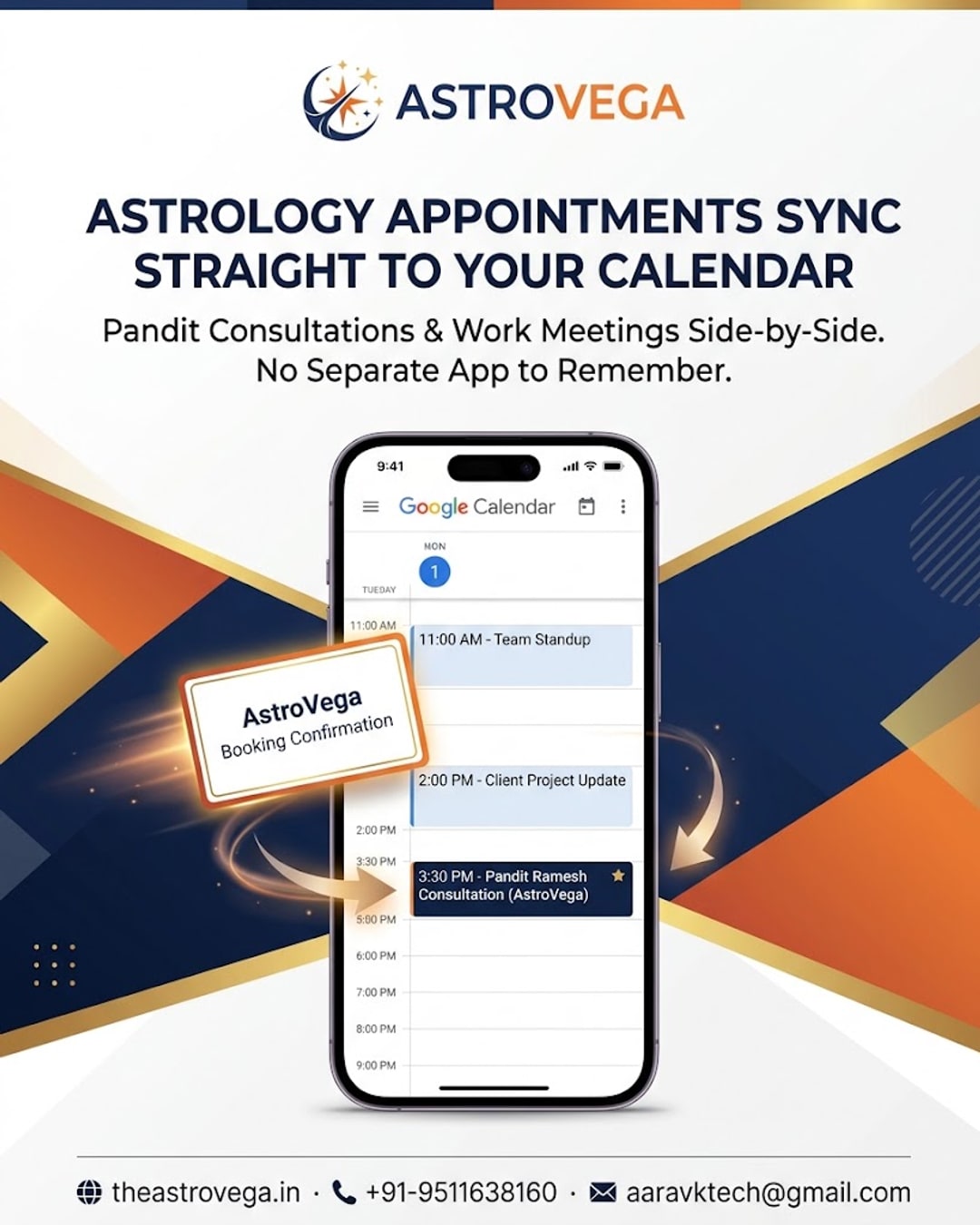
See how AstroVega adds your puja and consultation bookings directly to Google or Apple Calendar, so reminders show up where you already check your day.
Why your puja booking should live in the same calendar as everything else
Most people don't forget a puja date because they don't care - they forget because it lives in a separate app they only open once in a while. That's the small but real problem AstroVega set out to fix: bookings for pandits, astrology consultations and puja services now sync directly into the calendar app already sitting on your home screen.
The calendar you already trust When you confirm a pandit booking or an astrologer consultation slot on AstroVega, you get the option to add it straight to Google Calendar or Apple Calendar. It shows up exactly like a work meeting or a family event would - same reminders, same notifications, same place you check every single day. There's no second app competing for your attention, and no sticky note on the fridge as backup.
Why this matters more during festival season During Ganesh Chaturthi, wedding season or any busy ritual period, families are juggling multiple bookings at once - a puja here, a consultation there, maybe a muhurat-based griha pravesh. When each of these sits inside your existing calendar instead of an astrology app you rarely open, the odds of a missed appointment drop sharply. It's a small structural fix, but it solves a real everyday friction point.
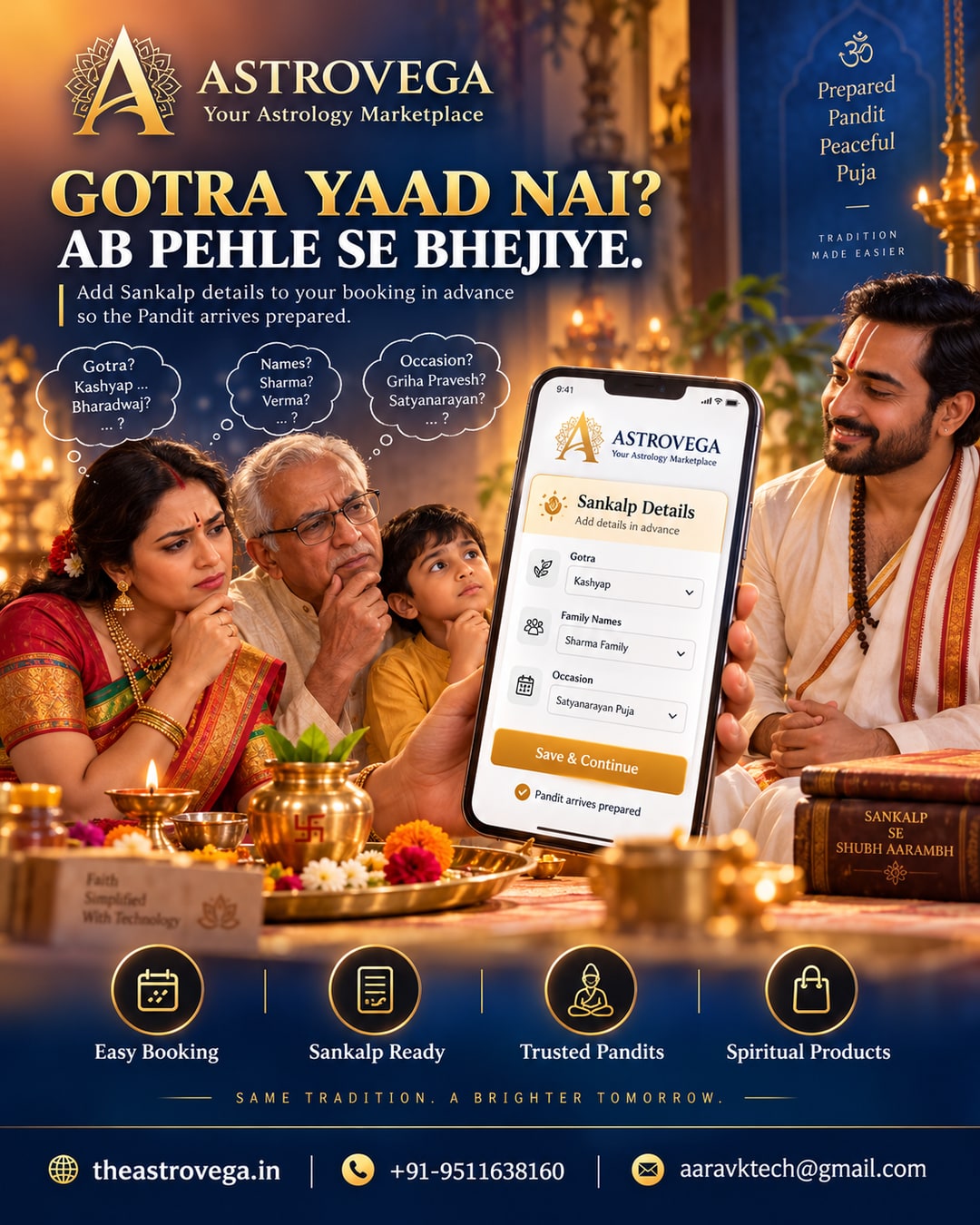
How it fits into AstroVega's bigger picture This calendar sync isn't a standalone gimmick - it's part of AstroVega's approach of connecting astrology services (Kundli, Pandit Booking, Puja, Products, Books) into one platform that behaves like the tools you already use, rather than asking you to change your habits. The booking itself still happens through AstroVega's usual flow: select service, choose pandit or astrologer, pick a date, and book. The only difference is where the reminder ends up living afterward.
What this doesn't change To be clear, this is a scheduling convenience, not a claim about outcomes. AstroVega doesn't promise guaranteed results from any consultation or puja - the platform simply makes sure you don't lose track of when it's happening. If you'd rather keep your astrology schedule fully separate from your work calendar, that's fine too - the sync is optional at the time of booking.
My take: if you've ever double-booked a puja slot against a family event, or realised a day late that you missed a consultation reminder, this is worth turning on the moment you book. It costs nothing, takes one tap, and quietly removes one of the more common reasons people miss astrology appointments in the first place. For anyone managing bookings for an entire joint family, it's genuinely one of the more useful small features AstroVega has added.
🌐 theastrovega.in · 📞 +91-9511638160 · 📧 aaravktech@gmail.com