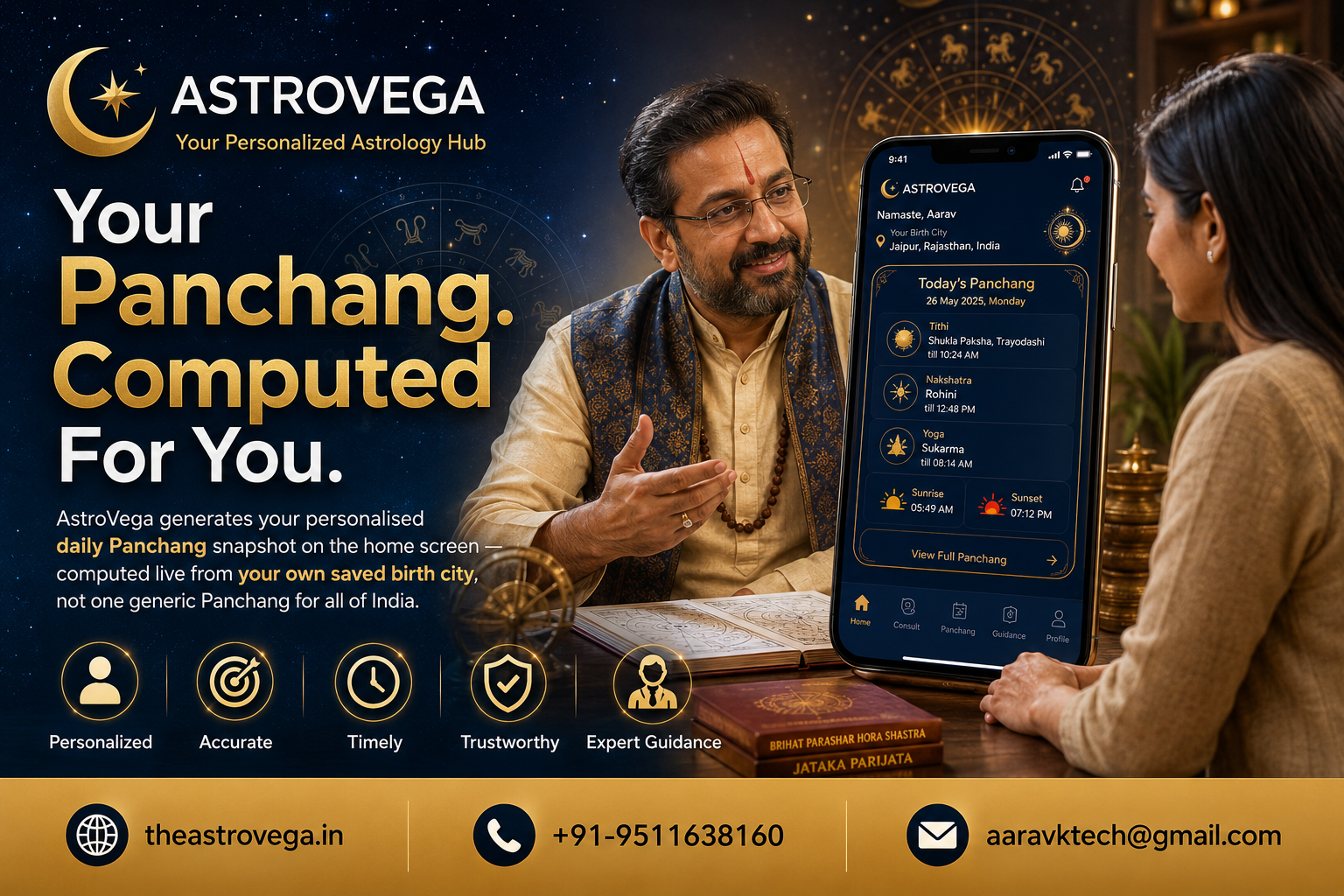

Families already track events in a shared Google Sheet - see how adding an AstroVega booking column keeps pandit and puja planning in that same sheet.
Stop Tracking Pandit Bookings Separately From Your Family's Festival Sheet
If your family plans festivals like most Indian households do, there's probably a shared Google Sheet somewhere with tabs for guest list, budget, and who's bringing what. What usually doesn't make it into that sheet is the pandit or puja booking - that tends to live in someone's WhatsApp chat or a phone call nobody else can track. Here's a simple fix that saves the whole family from asking 'who's talking to the pandit ji this time?'
Why pandit booking falls through the cracks Most planning tools families use weren't built with astrology or puja services in mind, so booking details get handled outside the system everyone else is watching. One family member books, informs a few people, and the rest find out on the day of the event.
Bring the booking status into the sheet you already have Instead of introducing a whole new tracking method, add one column to your existing sheet - something as simple as Pandit Status. Book your Pandit or Puja service through AstroVega, then paste the confirmation details or link into that column. Now anyone checking the sheet - which they're already doing for budget and guest list - sees the booking status too.
What this actually solves This isn't about a fancy integration. It's about reducing the number of places a family has to look. AstroVega handles the actual discovery and booking of the Pandit or Astrologer, and your Sheet stays the single source of truth your family already trusts for the event.
Works for more than weddings This approach isn't limited to big weddings. Griha pravesh, festival pujas, or a simple satyanarayan katha - any event your family plans in a shared sheet can carry a booking status column pointing back to AstroVega.
My take: if your family already lives in a shared Google Sheet every festival season, don't fight that habit - just extend it. Adding one column for pandit booking status takes two minutes and saves everyone from re-explaining who booked what. Book through AstroVega, link it in the sheet, and let the rest of the family check the tool they already trust.
🌐 theastrovega.in · 📞 +91-9511638160 · 📧 aaravktech@gmail.com